Installation
There's a couple of resources needed to test/run/create code for The Flying Toasters. Here's a list of all the software we use.
- WPILib Environment (IDE & Robot Libraries)
- Github Desktop (Distribution Control System)
- B-Line (Path Generation)
- Phoenix Tuner X (Configure CTRE Devices)
- AdvantageScope (Code Visualizer)
- FRC Game Tools (Drive Station)
WPILib Environment 
WPILib is a framework that makes FRC programming simple and streamline for all teams. Installation instructions can be found on WPILib's website.
Supports:
- Windows
- macOS
- Linux
Github Desktop 
Github Desktop is an application that provides a nice visual interface for git. Git is a distribution version control system, which is like a fancy word for google docs for programming (with a lot of cool features). Github Desktop is not necessarily needed, but it makes using git way easier. Installation Instructions are found on found on Github Desktop's website.
Supports:
- Windows
- macOS
If you are using Linux, you can opt to use git in terminal or install the community made shiftkey version.
B-Line
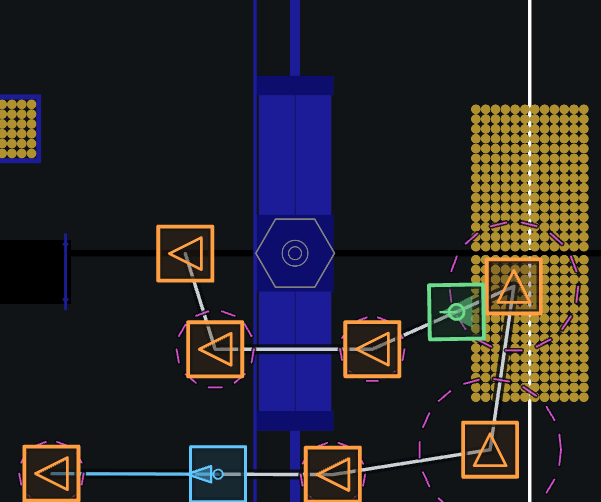
B-Line is an autonomoous path generation software for FRC. The Flying Toasters prefers to use B-Line over other path-generation (Pathplanner, Choreo) since it uses Geometric/state-based following over time-parameterized trajectory. More information can be found on B-Line's documentation, but in short, we found better results with B-Line, especially with path-correcting in comparison to Pathplanner/Choreo.
We use B-Line GUI in pair with Java command structure. Installation for B-Line GUI can be found on their documentation site.
Supports:
- Windows
- macOS
- Linux
Phoenix Tuner X 
Phoenix Tuner X is a tool that lets you configure CTRE Devices. It is necessary to update, diagnose issues, and put canIDs on CTRE Devices. This is installed on the programming laptops so this isn't a requirement. Installation can be found on CTRE's website.
Supports:
- Windows
- macOS
- Android/iOS
If you are using Linux, there is no alternative, so just use the programming laptops if you need for some reason.
AdvantageScope 
AdvantageScope is a visualizer that let's us diagnose issues, simulate robot code, and log values easily. This program can be heavy when running with other applications. Installation can be found on their github release page
Supports:
- Windows
- macOS
- Linux
For Windows: download and extract the folder labeled
FRC Game Tools
FRC Game tools is a software bundle that includes the driver station and roboRIO imaging tool. If you aren't planning on running the actual code on your computer, then just use the programming laptop/driver station laptop to run the code. You must create a NI account to download the game tools. Download can be found on NI's website.
Supports
- Windows
- That's it
This is not needed for most programmers, so not a requirement.